
Step by step
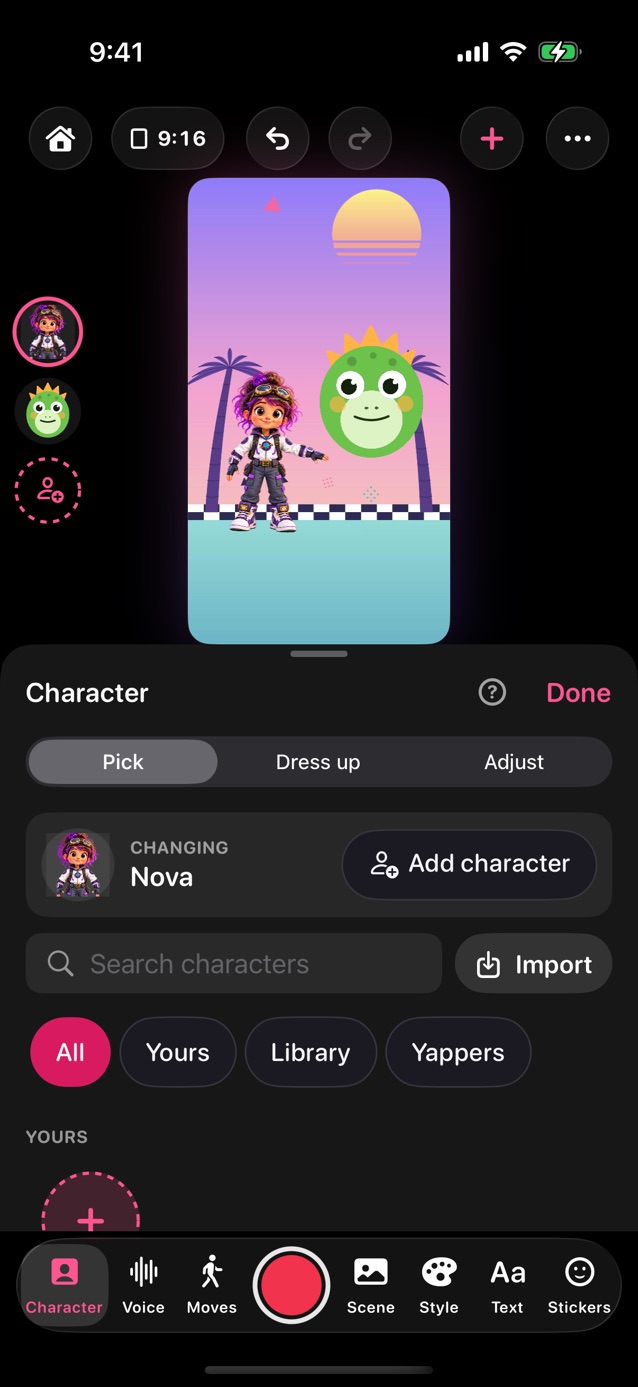
- Pick Conversation above the record button, or in Pro Studio tap Character, then Add character at the top (up to three characters).
- Tap a character on the stage or in On stage to pick it, then choose who it is. Moves, faces and Dress up go to whoever is picked. Drag, pinch or twist a character on the stage to move, resize or turn it.
- Standing close together? Pick one and tap To front or To back in Character › Adjust, or touch and hold it beside the stage. Each character stays whole, in front of or behind the others.
- Typing the words? Tap Voice › Type, then Add a line for each line and choose who says it. Each character can have its own voice and voice effect.
- Using your voice? Tap Voice › Mic. Take turns records one turn at a time, in order: you'll hear the turn before so you can answer, then 3, 2, 1 before the mic comes on. After each turn, play it back, redo it or record the next one. One person can do every voice, or pass the device.
- Tap the red button. The moves follow whoever is talking, and captions colour each character's words. To act one out yourself, tap its name beside the stage.
- Friend on another phone? In Conversation, tap Send to someone under the stage. Pick Record my part first: the big button records each of your turns, and after each one you can preview it, redo it or send it. Or send it now and let them go first. Lines you've typed go with it. They open the scene in YipYappy, record their turns and send it back; each time it comes back, it opens with the newest turns. In Messages, they tap the file, then the Share button, then YipYappy.
- Want one made to send? In Send to someone, tap Start from an idea for scenes like Guess what!, Knock knock and Story chain. Write both sides, record yours, then send it. Once you've recorded a turn, Send to someone sends it straight away; it's also at the top of Take turns.
- Under Send to someone, Save keeps the conversation in My scenes, with its lines and recorded turns, to open and carry on later. New starts another one with the same characters.
- Idea starters like News explainer, Short interview and the Family and friends ones add a second character for you.
Related
Still stuck? Email hello@yipyappy.com with your device and what happened.