
Step by step
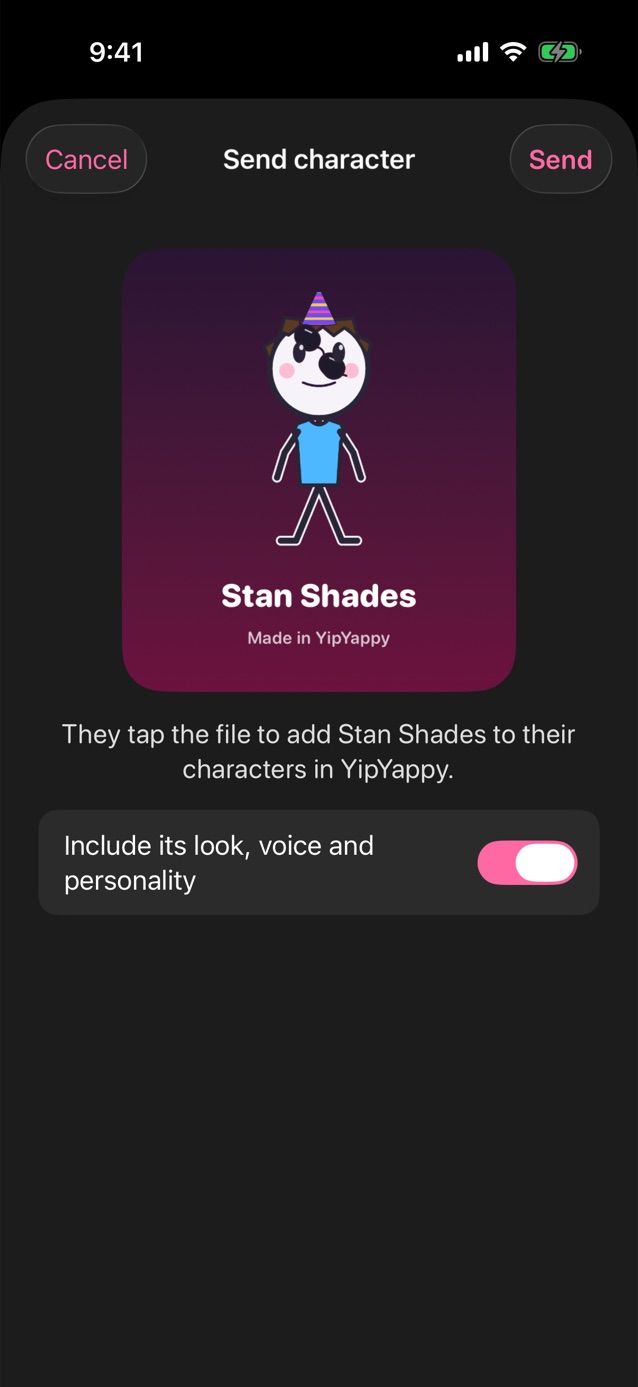
- In Character › Yours, touch and hold a character you made, then tap Send to someone. Or tap the character beside the stage, or ••• › Send character.
- If it's on the stage, choose whether its look, voice and personality go too.
- Tap Send, then pick Messages, AirDrop or Mail. Your friend gets a file with a picture of the character.
- Your friend taps the file, then Share › YipYappy, and taps Add to my characters. Send it again after you change it, and their copy updates.
- You can send characters you made or brought in. Built-in characters are already on every phone. A photo character sends your photo, so only send it to people you know.
Related
Still stuck? Email hello@yipyappy.com with your device and what happened.